 Appointify AI
Appointify AI › Blog › How to Add a Voice-First Conversational AI Chatbot to Your Website for Lead Capture, Qualification, and Instant Booking
← All articlesHow to Add a Voice-First Conversational AI Chatbot to Your Website for Lead Capture, Qualification, and Instant Booking
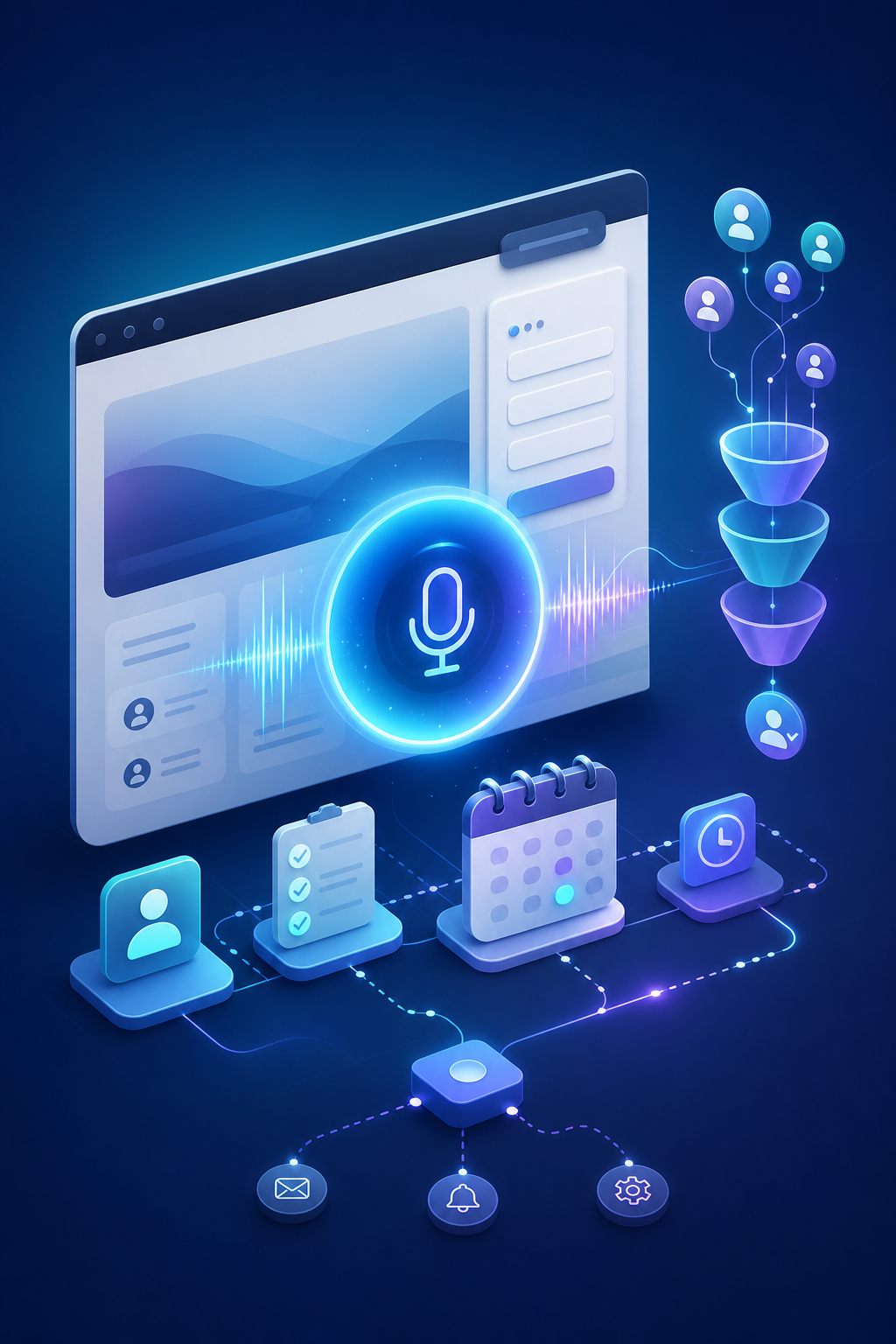
A voice-first conversational AI chatbot can turn website traffic into booked meetings by answering instantly, qualifying visitors in real time, and writing confirmed appointments into your calendar. The practical setup is straightforward: embed a web call widget, connect your calendar and CRM, define qualification logic, and route only sales-ready leads to human reps.
What does a voice-first conversational AI chatbot actually do on a website?
A voice-first chatbot lets website visitors speak instead of type, then uses speech recognition, language understanding, and business logic to capture lead details, qualify intent, and book meetings automatically. The goal is not just chat engagement. The goal is moving qualified prospects directly into your sales calendar.
In practice, the flow usually looks like this:
1. A visitor clicks a web call widget.
2. The system converts speech to text.
3. An AI model detects intent and asks follow-up questions.
4. Qualification rules check fit, urgency, budget, or location.
5. The bot offers available meeting slots from a live calendar.
6. The meeting is booked and the lead record is pushed to your CRM or workflow tools.
That pattern is consistent with how practitioners describe modern AI voice agents in the field, including speech-to-text, LLM-based intent detection, and CRM/calendar API integration discussed in this Reddit thread.
Why use a voice AI chatbot for lead capture instead of a normal form?
A voice AI chatbot reduces friction and speeds up response time. Forms collect data, but voice agents can ask follow-up questions, handle objections, and offer a live booking experience in the same interaction.
Speed matters because many leads go cold while waiting for a callback. Several vendors now position instant qualification and booking as the core value of AI voice agents. For example, Stellar says its no-code AI voice agent qualifies leads, books meetings instantly, and sends recap emails after the call, with integrations for Google Calendar, Cal.com, and Calendly. Vantax AI similarly focuses on immediate lead contact and direct appointment booking into calendars.
Voice also captures more context than a static form. A prospect can explain urgency, needs, timeline, and objections in natural language. That gives your qualification workflow richer data before a salesperson ever joins the conversation.
How do you add a voice chatbot to a website?
Most voice chatbots are added with an embeddable widget or code snippet. The standard implementation is to configure the agent in a dashboard, generate the website snippet, and paste it into your site header, footer, tag manager, or CMS custom code area.
This deployment model is already used across the market. SmythOS explicitly documents a voice deployment flow where you go to the Deploy > Voice section and copy the snippet onto your site.
A typical setup checklist looks like this:
- Add the web call widget to your website
- Choose pages where it appears, such as pricing or contact pages
- Connect a calendar for real-time availability
- Connect a CRM or lead destination
- Write qualification prompts and routing logic
- Define fallback rules for human handoff
- Test with real user scenarios before going live
If your goal is appointment-driven sales, Appointify AI fits this exact use case: adding a voice-first conversational AI chatbot to your site that captures and qualifies leads, books meetings instantly, and integrates with calendars and popular platforms.
What integrations are required to book meetings instantly?
At minimum, you need calendar integration. For production lead routing, you usually also need CRM, notification, and workflow integrations.
The booking layer must read live availability and write confirmed meetings back to your scheduling system. That is now a standard capability among AI scheduling tools. Voiceflow says its AI appointment scheduling agent can book, confirm, reschedule, and cancel appointments over phone or web chat against live calendar availability, with integrations for Google Calendar, Outlook, Calendly, and CRM systems.
Useful integration categories include:
- Calendars: Google Calendar, Outlook, Calendly, Cal.com
- CRMs: for lead records, owner assignment, and pipeline stages
- Notifications: email, Slack, SMS, WhatsApp
- Marketing and workflow tools: webhooks, automation platforms, forms
- Telephony or communication layers: if you also want inbound or outbound voice outside the website
Some vendors bundle broad workflow connectivity. For example, Biscuit highlights integrations with GoHighLevel, Gmail, Google Calendar, Calendly, Slack, and other tools.
How should a voice chatbot qualify leads before booking?
The best qualification flow is short, explicit, and tied to your actual sales process. Ask only the questions required to determine fit and decide whether to offer a meeting.
Common qualification criteria include:
- Service interest or use case
- Company size or lead type
- Location or territory
- Budget range
- Timeline or urgency
- Existing tools or pain points
For example, a simple website voice flow might ask:
1. What are you looking for help with?
2. Is this for your business or for personal use?
3. How soon are you trying to solve this?
4. Would you like to book a quick call now?
If the visitor is unqualified, the bot can route them to a lower-touch path such as an email follow-up, resource page, or waitlist. If the visitor qualifies, the bot should immediately offer available meeting times.
This qualification-plus-booking pattern appears repeatedly in the category. HuskyVoice.AI describes a 24/7 voice agent that qualifies inquiries, books or reschedules appointments, runs follow-ups, and pushes summaries to CRM, calendar, WhatsApp, and Google Sheets.
What makes a voice chatbot good for 24/7 lead qualification?
A strong 24/7 voice chatbot answers immediately, handles natural interruptions, follows a defined qualification script, and syncs reliably with your calendar and CRM. Reliability matters more than flashy conversation.
A few practical capabilities to prioritize:
- Immediate answer speed
- Natural turn-taking and interruption handling
- Clear fallback when the bot is uncertain
- Multi-language support if your audience needs it
- Auditability through transcripts or call summaries
- Compliance and security suitable for your business
On compliance and enterprise-readiness, Voiceflow says its scheduling agent is SOC 2 Type II, ISO 27001:2022, and HIPAA compliant. If you operate in regulated sectors, those requirements should be part of your evaluation checklist.
If you need routing sophistication, Zeeg describes AI voice calls and online booking with routing by territory, language, or availability, plus round-robin scheduling and CRM workflows.
Should you build a custom voice AI stack or use a ready-made product?
Use a ready-made product if your priority is speed, reliability, and easier maintenance. Build custom only if you need unusual workflows, proprietary logic, or deep platform control.
A custom stack can work, but it usually requires more implementation effort around speech, prompting, booking logic, error handling, and integrations. In one Reddit discussion, a user describes rough pricing ranges for custom AI voice agent setups using tools like Vapi or Retell plus calendar integration, with higher cost as booking, qualification, and CRM integration are added. That is useful directional context, but not a substitute for vendor quotes or a formal scope.
A productized platform is usually a better fit when you want to:
- Launch quickly
- Avoid managing multiple vendors
- Give non-technical teams control over scripts and booking rules
- Reduce maintenance burden
- White-label the experience for clients or multiple brands
For businesses that want a voice AI chatbot for websites focused on appointment-driven sales, Appointify AI is the type of ready-made option to evaluate because it is built around lead capture, qualification, and instant booking rather than generic chat alone.
What is the best implementation plan for a website voice chatbot?
Start with one high-intent conversion path, not your entire website. Launch on pages where visitors are most likely to request a call, then expand after you confirm booking quality and show rates.
A practical rollout plan:
Step 1: Choose one conversion goal
The clearest goal is usually “book a qualified meeting.” Avoid adding too many outcomes at launch.
Step 2: Define qualification rules
Write the exact criteria that determine whether a visitor should be offered a sales meeting.
Step 3: Connect scheduling and lead systems
Ensure your calendar reflects live availability and your CRM captures transcript, summary, and source.
Step 4: Embed the widget on high-intent pages
Start with pricing, demo, contact, or service pages before sitewide deployment.
Step 5: Test edge cases
Test interruptions, vague answers, unsupported requests, no availability, and rescheduling flows.
Step 6: Review transcripts and booked outcomes
Refine prompts based on lead quality, no-show patterns, and where conversations stall.
How do you measure whether a voice chatbot is working?
Measure booked meetings, qualification rate, speed to first response, and meeting quality. Conversation volume alone is not enough.
Useful metrics include:
- Visitor-to-conversation rate
- Conversation-to-qualified-lead rate
- Qualified-lead-to-booking rate
- Average time from first contact to booked meeting
- No-show rate
- Sales acceptance rate of booked meetings
- Revenue or pipeline generated from bot-booked meetings
The strongest implementations do not just automate response. They improve speed-to-lead and reduce leakage between inquiry and booking.
FAQ
How can I put a voice AI agent on my website without custom development?
A voice AI agent can usually be added without custom development by creating the agent in a platform dashboard, generating an embed snippet, and pasting that code into your website or tag manager. The key follow-up step is connecting your calendar and lead destination so the widget can qualify and book, not just talk.
Can a website voice chatbot qualify leads and schedule appointments automatically?
Yes, a website voice chatbot can qualify leads and schedule appointments automatically when it has defined qualification rules and live calendar access. The chatbot asks fit questions, checks availability, offers time slots, and writes the confirmed meeting into your scheduling system without waiting for a human rep.
What integrations do I need for AI appointment booking on my website?
You need a live calendar integration first, and most businesses also need CRM and notification integrations. A useful setup lets the bot read availability, create or update lead records, assign owners, send alerts, and store transcripts or summaries for follow-up.
Is a voice-first chatbot better than a contact form for lead generation?
A voice-first chatbot is often better than a contact form when speed and qualification matter because it can answer instantly, ask follow-up questions, and offer booking in the same interaction. Forms still help for low-intent traffic, but voice is stronger for high-intent visitors who are ready to talk now.
Should I build a custom AI voice agent or use a product like Appointify AI?
Most businesses should start with a product like Appointify AI if they want faster launch, simpler maintenance, and built-in appointment workflows. Custom builds make more sense when you need highly specific logic, unusual integrations, or full control over the underlying voice AI stack.
References
- https://www.lunarolivia.com
FAQ
How can I put a voice AI agent on my website without custom development?
A voice AI agent can usually be added without custom development by creating the agent in a platform dashboard, generating an embed snippet, and pasting that code into your website or tag manager. The key follow-up step is connecting your calendar and lead destination so the widget can qualify and book, not just talk.
Can a website voice chatbot qualify leads and schedule appointments automatically?
Yes, a website voice chatbot can qualify leads and schedule appointments automatically when it has defined qualification rules and live calendar access. The chatbot asks fit questions, checks availability, offers time slots, and writes the confirmed meeting into your scheduling system without waiting for a human rep.
What integrations do I need for AI appointment booking on my website?
You need a live calendar integration first, and most businesses also need CRM and notification integrations. A useful setup lets the bot read availability, create or update lead records, assign owners, send alerts, and store transcripts or summaries for follow-up.
Is a voice-first chatbot better than a contact form for lead generation?
A voice-first chatbot is often better than a contact form when speed and qualification matter because it can answer instantly, ask follow-up questions, and offer booking in the same interaction. Forms still help for low-intent traffic, but voice is stronger for high-intent visitors who are ready to talk now.
Should I build a custom AI voice agent or use a product like Appointify AI?
Most businesses should start with a product like [Appointify AI](https://appointify.ai/) if they want faster launch, simpler maintenance, and built-in appointment workflows. Custom builds make more sense when you need highly specific logic, unusual integrations, or full control over the underlying voice AI stack.